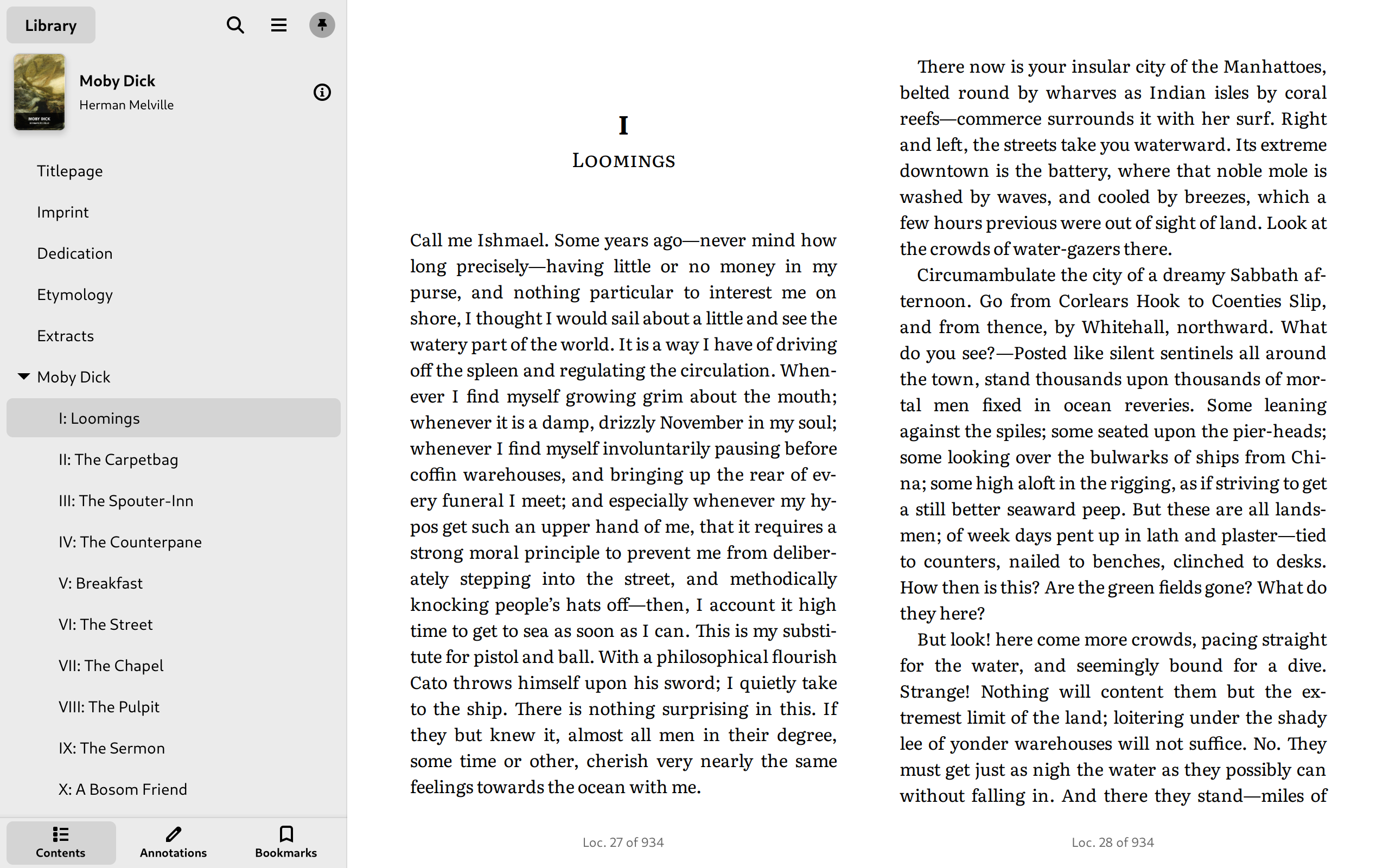
Beautiful Pages
- Supports EPUB, Mobipocket, Kindle, FictionBook, and comic book archive formats
- Single-column, two-column, or continuous scrolling layouts
- Adjust font, line-spacing, and margins
- Customize colors and brightness
- Auto-hyphenation
- Skeuomorphic mode
- Auto-hide cursor and window controls
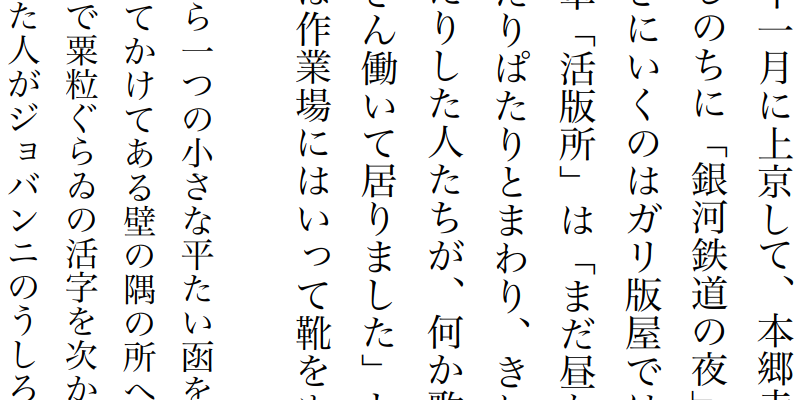
- Supports right-to-left and vertical text
Navigate with Ease
- Table of contents menu or sidebar
- Find in book
- Progress slider, with chapter marks
- Reading time estimates
- Zoom in on and rotate images
- Open footnotes in popovers
- Trackpad gestures—use two-finger swipe to turn the page
- Open multiple books at the same time, or open the same file in multiple windows
Bookmarks & Annotations
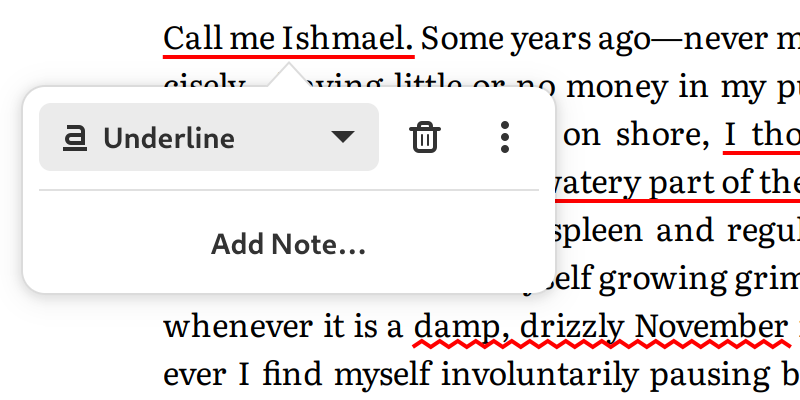
- Reading progress, bookmarks, and annotations stored in your XDG data directory as plain JSON files, so you can backup or sync them easily
Learn More - Search annotations
- Export annotations to plain text, HTML, Markdown, and more
Nifty Tools
- Look up words in Wiktionary, Wikipedia, or offline DICT and StarDict dictionaries
- Translate passages with Google Translate
- Text-to-speech with eSpeak NG, Festival, or other engines
Learn More - Get books online from OPDS feeds
Get Foliate
Flatpak
Flatpak is a next-generation technology for building and distributing desktop applications on Linux.
Distribution packages
| Linux | ||
|---|---|---|
| Arch Linux | pacman -S foliate |
|
| Fedora | dnf install foliate |
|
| Gentoo | app-text/foliate |
|
| Manjaro | foliate |
|
| MX Linux | foliate |
|
| OpenSUSE | foliate |
|
| Parabola | foliate |
|
| Ubuntu (.deb) | Download | |
| Ubuntu (PPA) | Stable · Daily Builds | |
| Ubuntu (Snap) | Snap Store | |
| Void Linux | xbps-install -S foliate |
|
| BSD | ||
| DragonFly BSD | deskutils/foliate |
|
| FreeBSD | deskutils/foliate |
|
| NetBSD | print/foliate |
|
See packaging status on Repology.
Manual installation from source
- Clone the source code from GitHub or download one of the releases.
- Make sure you have these dependencies installed:
gjs >= 1.52webkit2gtk
(gir1.2-webkit2-4.0for Debian based distros)meson >= 0.40(required for building)gettext(required for building)
- To install, run these commands:
meson build --prefix=/usr ninja -C build sudo ninja -C build install
- To uninstall, run
sudo ninja uninstall
See README for more information.
Optional dependencies
iso-codes (>= 3.67)for displaying language and region nameslibhandy(gir1.2-handy-0.0) is recommended to make the interface work better on larger as well as smaller screens- Spellchecking notes requires
gspell(gir1.2-gspell-1) - If
tracker3(gir1.2-tracker-3.0) is installed, it can be used to track the locations of files python(2.7 or >= 3.4) is required for Mobipocket (.mobi) and Kindle (.azw, .azw3) books- To enable auto-hyphenation, you will need to install the hyphenation rules, e.g.,
hyphen-enfor English,hyphen-frfor French, etc.
External tools:
- To use offline dictionaries, install
dictdorsdcv - For text-to-speech support, install
espeak-ngorfestival